Skip to content

Minecraft newsNov 10, 20261 min read

Minecraft Invisible Armor: how to hide your armor in Bedrock

Bedrock Preview 26.70.24 adds an Invisible Armor world setting: an eye button hides the armor you wear. How to turn it on, and what stays visible.

By Stowlen

Endgame Tools · Published

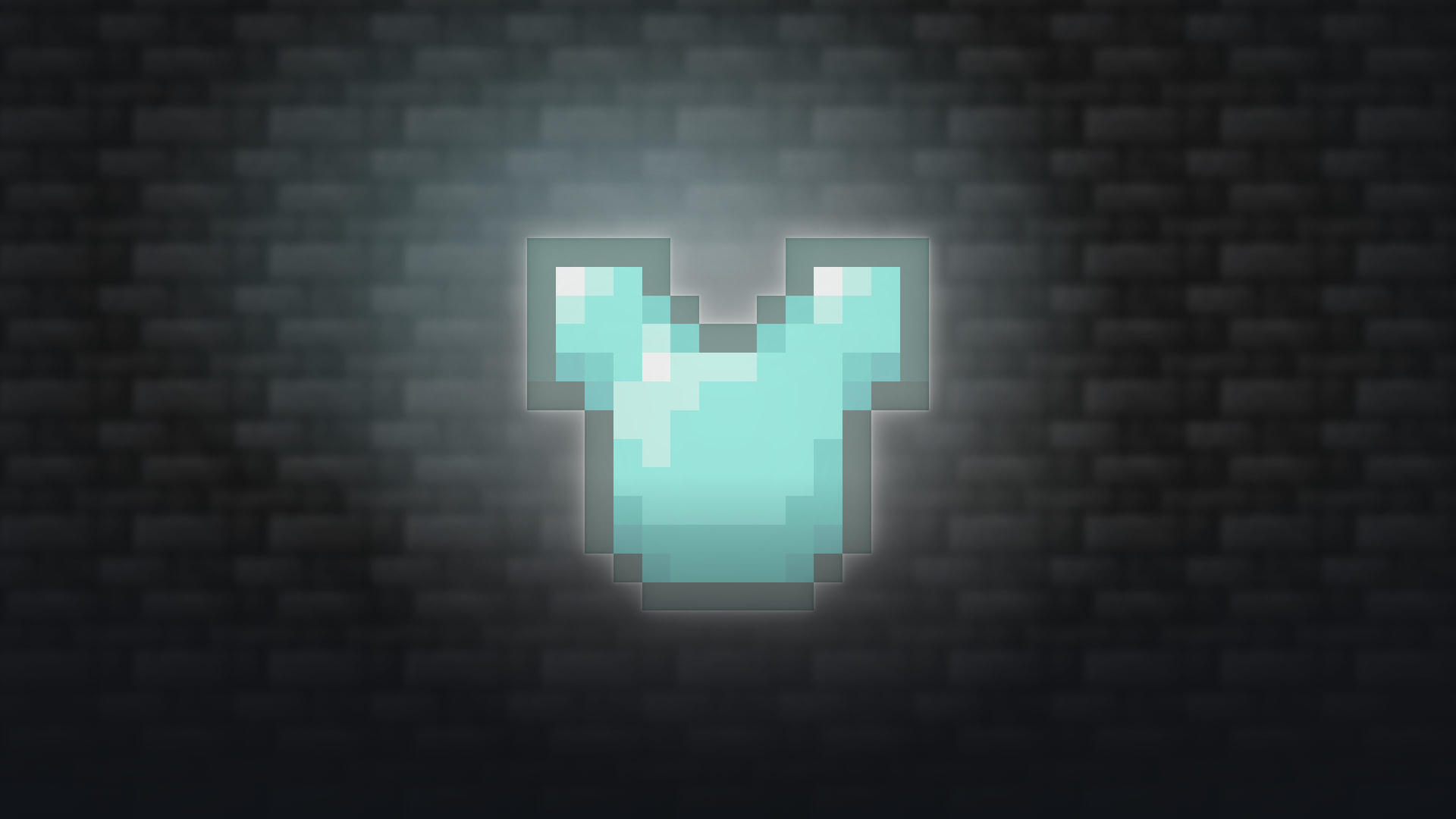
A Diamond Chestplate from Minecraft, drawn half transparent: Bedrock Preview 26.70.24 adds a setting to hide the armor you wear
Mojang Studios · Art from the game client · composed
In this article

Minecraft is getting a way to hide the armor you wear. Bedrock Edition's Preview and Beta 26.70.24, out on November 10, 2026, add an Invisible Armor world setting: once it is on, a button in the inventory shows or hides your equipped armor, which stays on and keeps doing its job.

How to turn it on

  1. For an existing world, open its world settings and turn on Invisible Armor; for a new world, the setting is in the Advanced tab when you create it.
  2. In the world, open your inventory and use the eye button to hide or show the armor you wear.
  3. Server and map makers can switch it with the invisibleArmor game rule.

What stays visible

  • When you take damage, hidden armor shows again for 5 seconds, so other players can still see it during a fight.
  • Elytra, mob heads and Carved Pumpkins always stay visible, hidden armor or not.

Who can use it, and when

It is in Minecraft Preview, on Xbox, PlayStation, Windows and iOS, and in the Beta on Android. Mojang hasn't said when it reaches the regular game, and asks players for feedback on it. Nintendo Switch has no Preview, so Switch players will get it with a regular update. Java Edition doesn't have it: its 26.4 Snapshot 8, out the same day, has no such setting in its files.

Hiding your armor is not the only way to change how it looks: armor trims give it patterns and colors in both editions. The rest of the same Preview, from undead mobs immune to Freezing to the Ice Ball's change, is in our Snapshot 8 article, with Bedrock's part of it.

TagsInvisible Armorhide armorBedrock EditionMinecraft Preview26.70.24game rule

Frequently asked questions

How do you hide your armor in Minecraft?

In Bedrock Edition’s Preview and Beta 26.70.24 (November 10, 2026), turn on the Invisible Armor world setting, in the world’s settings or the Advanced tab of a new world, then use the eye button in your inventory to hide or show the armor you wear. It stays equipped.

Does hidden armor still show sometimes?

Yes: hidden armor shows again for 5 seconds after you take damage, so it stays visible in a fight. Elytra, mob heads and Carved Pumpkins always stay visible.

Is Invisible Armor in Java Edition?

No. It is only in Bedrock’s Preview and Beta 26.70.24 for now; Java’s 26.4 Snapshot 8, out the same day, has no such setting in its files. Mojang hasn’t said when it reaches the regular game.

What is the invisibleArmor game rule?

It is the command version of the Invisible Armor world setting, added in Bedrock’s Preview and Beta 26.70.24, so server and map makers can switch it on or off.

Sources

  1. Minecraft Feedback — Minecraft Beta & Preview - 26.70.24 (November 10, 2026)
  2. Mojang — Java Edition 26.4 Snapshot 8, game and language files (read November 10, 2026)

Also inDeutschEspañolEspañol (México)FrançaisItalianoPortuguês (BR)Русский한국어简体中文繁體中文

  1. Minecraft 26.4 Snapshot 8: Ender Dragon fixes, ice ball nerf

    Minecraft Java 26.4 Snapshot 8 fixes the Ender Dragon’s flight, makes every undead mob immune to Freezing and lowers ice ball damage, with the game’s figures.

    Nov 10, 20263 min read

  2. Minecraft sound effect packs are out: the 7 and who made them

    Minecraft's sound effect packs came out on the Marketplace on November 10, 2026: the 7 that Mojang reviewed, what each one sounds like, and who made them.

    Nov 10, 20262 min read

  3. Minecraft TwitchCon watch quest: free Toying Around add-on

    Mojang's TwitchCon watch quest, November 13 to November 15, 2026: Toying Around, a free Bedrock add-on made with Tubbo, for watching Twitch or TikTok.

    Nov 10, 20261 min read

Background · Mojang Studios · Publisher policy · cropped