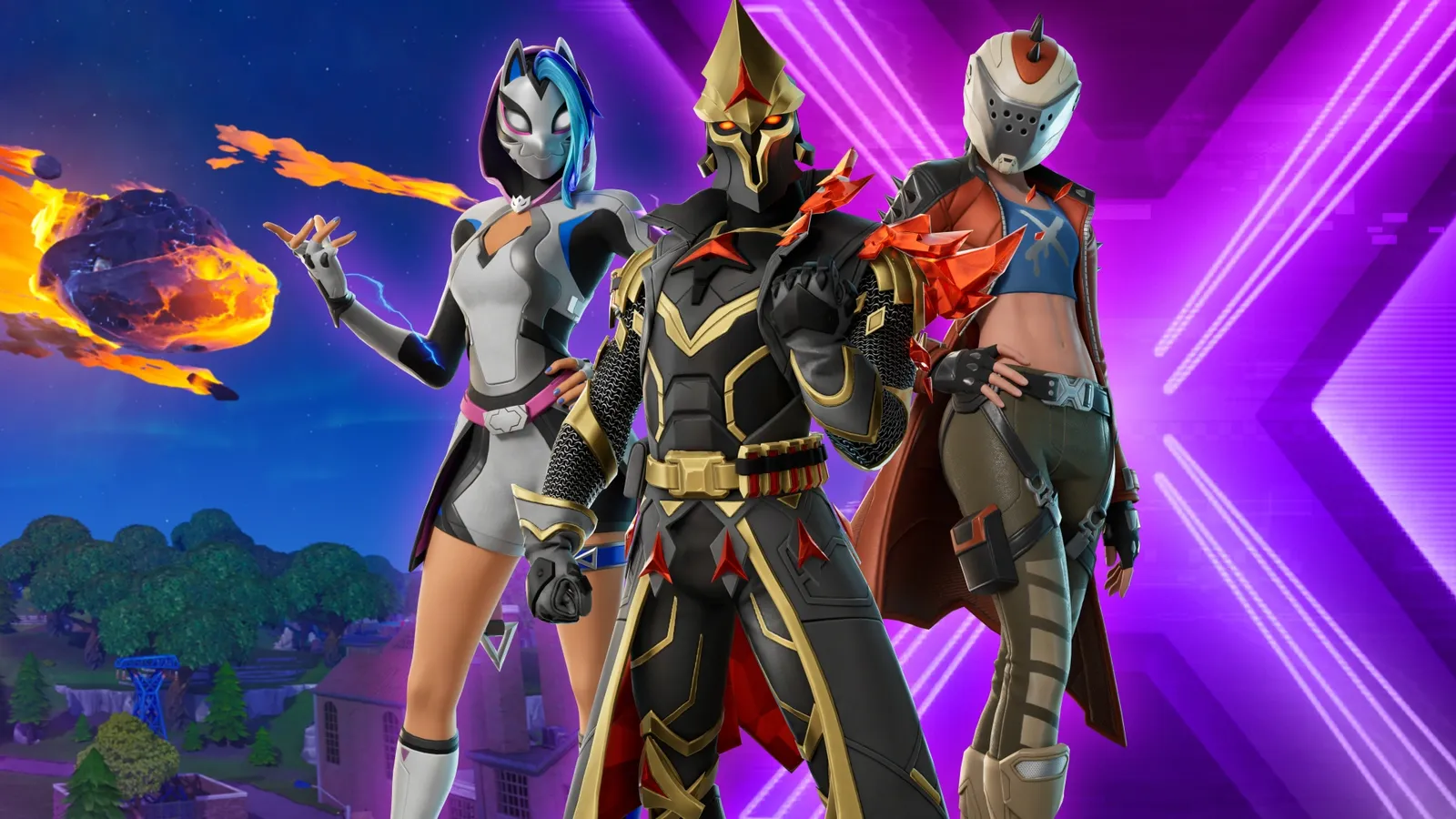
Fortnite is free on Xbox Cloud Gaming: you need no Game Pass, only a free Microsoft account. Open xbox.com/play in a browser on a PC, Mac, Chromebook, phone or tablet, or the Xbox app on a smart TV, sign in, pick Fortnite and press Play. Your skins and progress come with you once your Xbox profile is linked to your Epic Games account.
Microsoft and Epic opened Fortnite to everyone on Xbox Cloud Gaming on May 5, 2022, and it is still the game anyone can stream there without a subscription. Since its last overhaul, described by Xbox on December 19, 2025, the service is out of beta and runs in 29 countries. Without Game Pass Ultimate, a session lasts up to 60 minutes, then you start another. It is how to play Fortnite on devices that have no Fortnite app, such as a Mac, a Chromebook or a TV, or on a computer too slow to run it.
What you need
| What |
Detail |
| Account |
A free Microsoft account with an Xbox profile, linked to your Epic Games account |
| Subscription |
None for Fortnite (Game Pass is only for the rest of the cloud catalog) |
| Internet |
At least 20 Mbps, Microsoft's advice; Ethernet, 5 GHz Wi-Fi or 5G |
| Controls |
Touch controls on phones and tablets; a controller, or a mouse and keyboard, elsewhere |
| Where |
One of the 29 countries Xbox Cloud Gaming serves |
| Time |
Sessions of up to 60 minutes without Game Pass Ultimate |
The game streams from Microsoft's servers, so nothing is downloaded and your device's power hardly matters: the connection does.
Time limits: an hour a session, and what November brings
- 60 minutes per session: since March 2025, a free Fortnite session on Xbox Cloud Gaming ends after an hour for anyone without Game Pass Ultimate. You can start another one at once, after a new wait for a server at busy times. The hour limit does not apply to Game Pass Ultimate members.
- From November 2026: Microsoft announced on September 3 that cloud play in Game Pass gets a monthly allowance, 15 hours on Ultimate, 10 on Premium and 5 on Essential, with more hours sold in the Xbox Store, and that players without a subscription will be able to buy hours to stream games they own. It has not said how free-to-play games like Fortnite will count: details are due in November, and this page will follow them.
Step by step, device by device
- PC, Mac, Chromebook or Steam Deck: open
xbox.com/play in Edge, Chrome or Safari, sign in with your Microsoft account, search for Fortnite and press Play. On Windows, the Xbox app does the same.
- iPhone or iPad (iOS 14.4 or later): open
xbox.com/play in Safari, tap Share, then Add to Home Screen. Launch the new icon: the game fills the screen, with touch controls or a paired controller.
- Android phone or tablet (Android 12 or later): open
xbox.com/play in Chrome, sign in and press Play; add the page to your home screen for the full screen.
- Smart TV or stick: open the Xbox app on a recent Samsung or LG TV, or on an Amazon Fire TV device, and pair a controller first: a TV has no touch screen.
- Meta Quest (2, Pro, 3 or 3S): the Xbox app runs it on a big virtual screen, with a controller.
Pair the controller before you launch the game; one connected afterwards is sometimes not seen until you restart the stream.
Link your Epic account and keep your skins
Your skins, Battle Pass progress, V-Bucks and friends belong to your Epic Games account, not to the device. Xbox Cloud Gaming signs you in with Microsoft, so it shows the Epic account that your Xbox profile is linked to.
- Sign in to the Epic Games account you play on, on Epic's website.
- In your account settings, open the connected accounts (Apps and Accounts).
- Choose Xbox, then sign in with the Microsoft account you will use in the cloud.
- Launch Fortnite at
xbox.com/play: your locker is there.
If Epic says "This account for Xbox is already linked to another Epic Games account", your Xbox profile already belongs to an older Epic account, sometimes one created when you first played on a console. Sign in on Epic's website with the Xbox option to see which one it is. Unlinking a platform is possible, but a new link for that platform type only comes once every 365 days, so check before you do it. You also cannot play on two devices with the same account at once.
Our Fortnite parental controls guide covers the settings a parent can lock on the Epic account, which apply wherever it plays.
What changes in the cloud
- The same game as on an Xbox: Battle Royale, Zero Build, Reload, LEGO Fortnite and the islands, with your locker, cross-play and your party as usual.
- The image is a video stream: in a fast fight, a weak connection shows as blur or delay. Ethernet or 5 GHz Wi-Fi, close to the router, makes the biggest difference.
- A wait at busy times: when many people stream at once, you may wait for a server before the game starts.
- Data: an hour of play can use several gigabytes, which counts on a mobile plan.
Before you blame your connection, check our Fortnite server status: when Epic's servers are down, the cloud cannot reach them either. Once in, our Fortnite map and our Item Shop tracker work in a second browser tab or on your phone.
When it does not work
| Problem |
What to try |
| Fortnite asks to link an account |
Link your Xbox profile to your Epic account first (above), then restart the stream |
| Your skins are missing |
The Xbox profile is linked to another Epic account: check which one on Epic's website |
| Lag or a blurry image |
Ethernet or 5 GHz Wi-Fi, other downloads stopped, at least 20 Mbps |
| The controller does nothing |
Pair it before launching, then restart the stream |
| The game stops after an hour |
That is the free session limit: start a new session |
| A long wait before playing |
Peak hours: try again later in the day |
| The page says it is not available |
Your country is not among the 29 Xbox Cloud Gaming serves |