
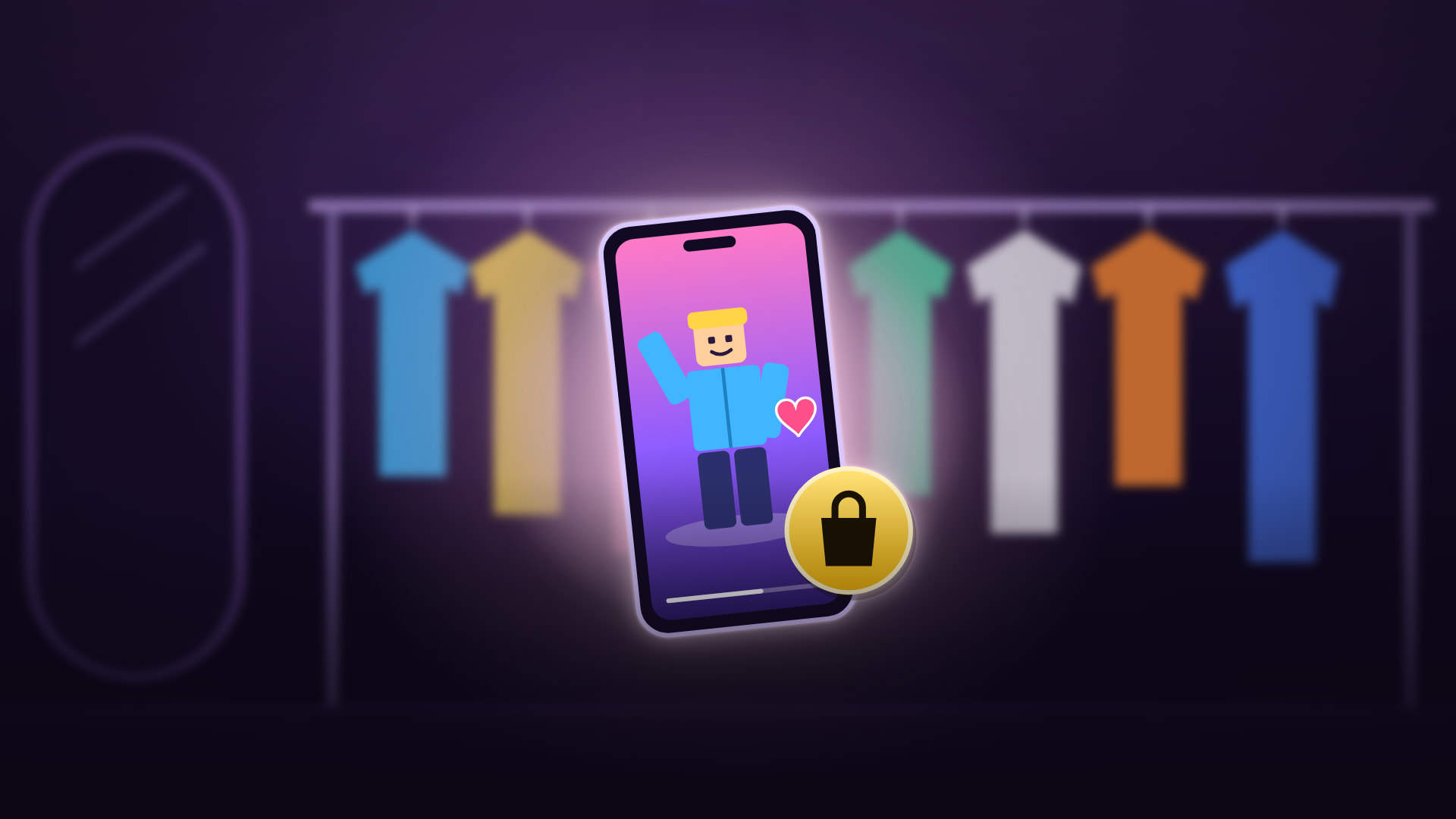
Since November 20, 2026, Roblox players who are 16 and older can turn their avatar into a short video, an Avatar Moment, and post it on their profile. Players who come across it in the Moments tab see a Shop button: it lets them try the look's items on their own avatar and buy them with Robux. Roblox announced Avatar Moments on its developer forum on November 20.
How to post an Avatar Moment
According to Roblox's announcement:
- Open the Marketplace or the avatar editor (Customize), on a computer or a phone. If you see a + button in the Moments tab, you can start from there too.
- Select Share your avatar to Moments.
- Choose one of your saved avatars, then an emote and a background that you own. Adjust the camera angle, and add text or music from Roblox's library if you like.
- Post it. The video goes to the Moments section of your profile, where other players can watch it, like it and comment on it.
Who can post one
- Players 16 and older only. Moments itself, Roblox's feed of short videos, opened in beta in September 2025 to players 13 and older; posting an Avatar Moment asks for 16.
- Only where Moments is offered. Your account needs access to Moments, in a country where Roblox offers it. The announcement doesn't list those countries.
- On every device that has Moments, computers and phones included.